

Most of the websites out there use commercial Web UI Components for their front end. Most of these components are JavaScript-based, and their test automation is a little bit trickier. In this article, I am going to show you how you can automate such controls using their JavaScript API. For the examples, I am going to use the WebDriver. However, you can easily apply the same principles for any other web automation framework.
Automate Kendo DatePicker
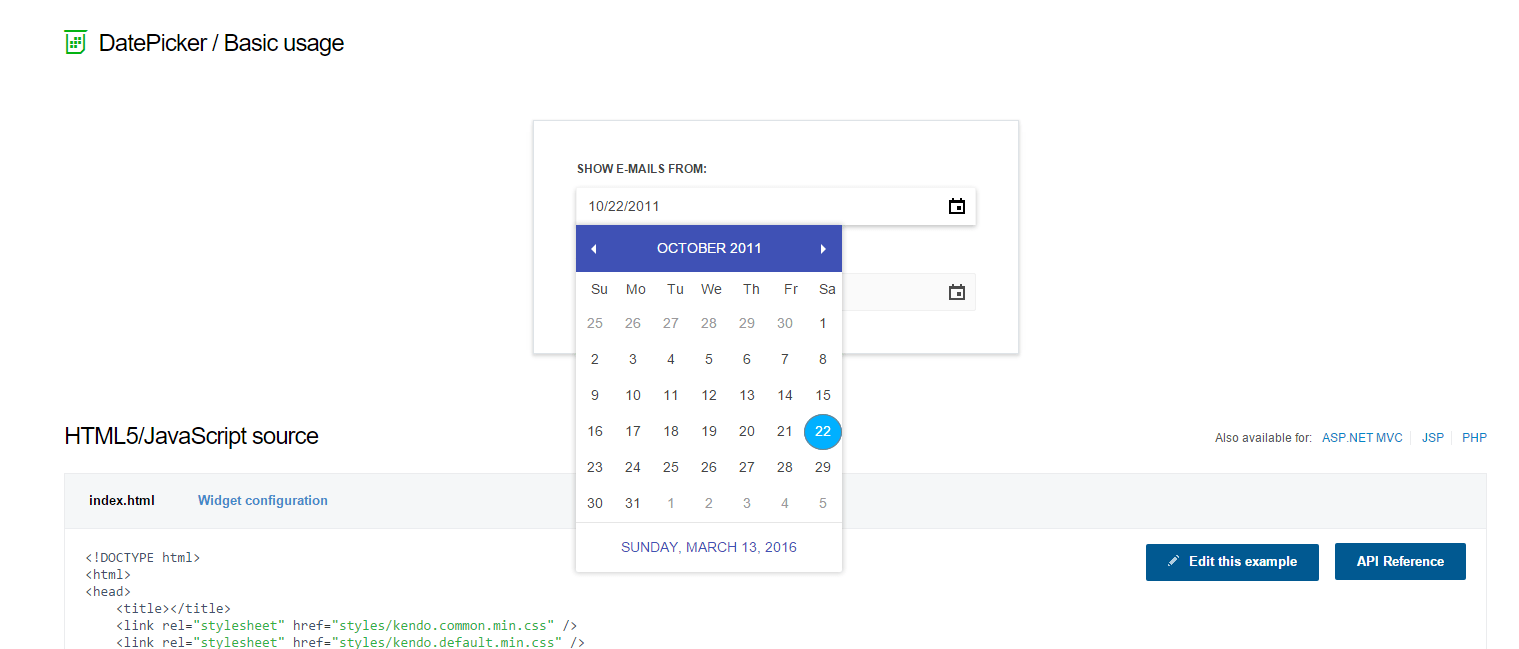
Here we will create a custom HTML control again wrapping the JavaScript API of the component. Compared to the previous example, the only difference is that the constructor accepts an ID.
Custom Control’s Code
namespace AdvancedWebUiComponentsAutomation;

public class KendoDatePicker
{
    private readonly string _idLocator;
    private readonly IWebDriver _driver;

    public KendoDatePicker(IWebDriver driver, string idLocator)
    {
        _driver = driver;
        _idLocator = idLocator;
    }

    public void SetDate(DateTime dateTime)
    {
        string scriptToBeExecuted = string.Format("$('#{0}').kendoDatePicker({{ value: new Date({1}, {2}, {3}) }});", _idLocator, dateTime.Year, dateTime.Month - 1, dateTime.Day);
        var javaScriptExecutor = (IJavaScriptExecutor)_driver;
        javaScriptExecutor.ExecuteScript(scriptToBeExecuted);
    }
}
Notice that we use the new C# 10.0 syntax for declaring namespaces where we don’t need to add additional set of { };
Usage in Tests
public void SetDateKendoDatePickerCustomControl()
{
    _driver.Navigate().GoToUrl("http://demos.telerik.com/kendo-ui/datepicker/index");
    var datePicket = new KendoDatePicker(_driver, "datepicker");
    datePicket.SetDate(DateTime.Now);
}
Automate Gauge Needle
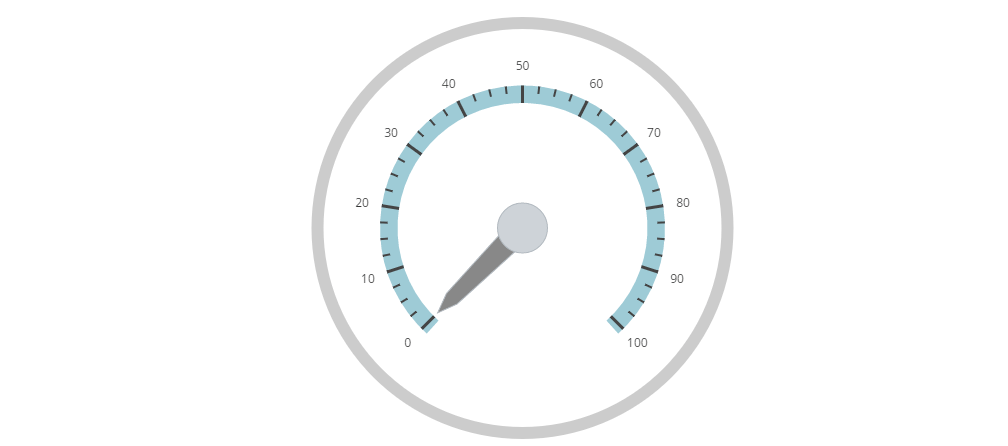
We want to move the arrow to a specific number.
Custom Control’s Code
namespace AdvancedWebUiComponentsAutomation;

public class GaugeNeedle
{
    private readonly string _idLocator;
    private readonly IWebDriver _driver;

    public GaugeNeedle(IWebDriver driver, string idLocator)
    {
        _driver = driver;
        _idLocator = idLocator;
    }

    public void SetValue(int value)
    {
        string scriptToBeExecuted = string.Format("$('#{0}').igRadialGauge('option', 'value', '{1}');", _idLocator, value);
        var javaScriptExecutor = (IJavaScriptExecutor)_driver;
        javaScriptExecutor.ExecuteScript(scriptToBeExecuted);
    }
}
Usage in Tests
public void SetValueGaugeNeedleCustomControl()
{
    _driver.Navigate().GoToUrl("http://www.igniteui.com/radial-gauge/gauge-needle");
    var gaugeNeedle = new GaugeNeedle(_driver, "radialgauge");
    gaugeNeedle.SetValue(44);
}
Automate FullCalendar
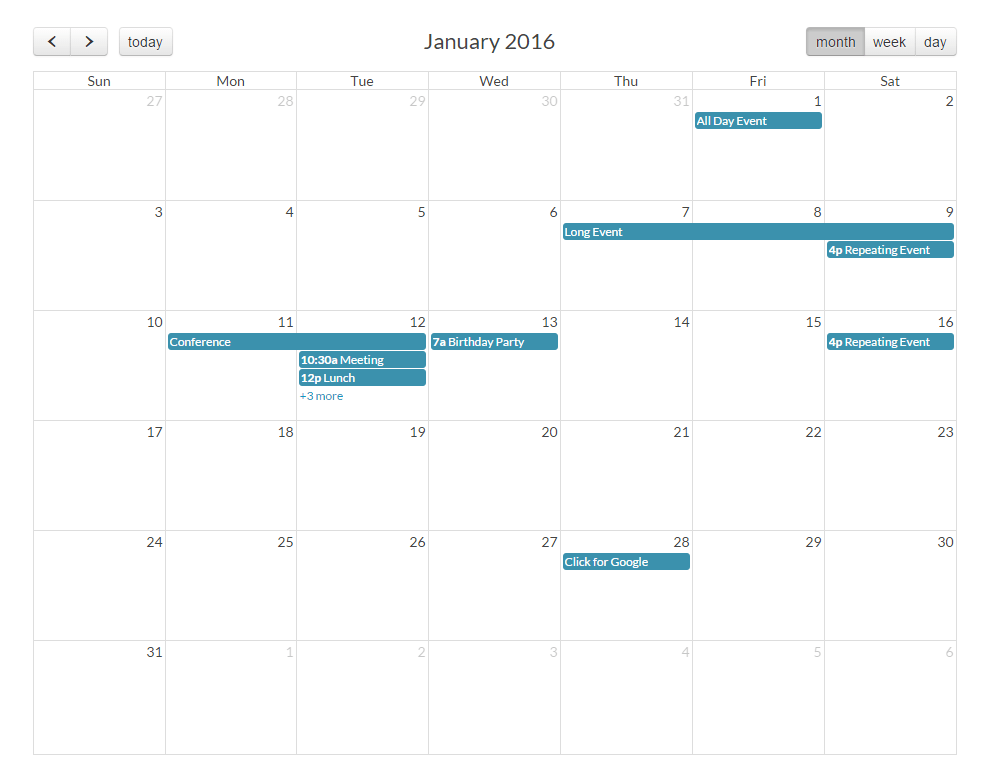
FullCalendar is a drag-n-drop jQuery plugin for displaying events on a full-sized calendar. It is a JavaScript event calendar, customizable and open source.
Custom Control’s Code
namespace AdvancedWebUIComponentsAutomation;

public class FullCalendar
{
    private readonly string _fullCalendarMethodJqueryExpression = "$('#{0}').fullCalendar('{1}')";
    private readonly string _idLocator;
    private readonly IWebDriver _driver;
    public FullCalendar(IWebDriver driver, string idLocator)
    {
        _driver = driver;
        _idLocator = idLocator;
    }
    public void ClickNextButton()
    {
        string scriptToBeExecuted = string.Format(_fullCalendarMethodJqueryExpression, _idLocator, "next");
        var javaScriptExecutor = (IJavaScriptExecutor)_driver;
        javaScriptExecutor.ExecuteScript(scriptToBeExecuted);
    }
    public void ClickPreviousButton()
    {
        string scriptToBeExecuted = string.Format(_fullCalendarMethodJqueryExpression, _idLocator, "prev");
        var javaScriptExecutor = (IJavaScriptExecutor)_driver;
        javaScriptExecutor.ExecuteScript(scriptToBeExecuted);
    }
    public void GoToToday()
    {
        string scriptToBeExecuted = string.Format(_fullCalendarMethodJqueryExpression, _idLocator, "today");
        var javaScriptExecutor = (IJavaScriptExecutor)_driver;
        javaScriptExecutor.ExecuteScript(scriptToBeExecuted); ;
    }
    public void GoToDate(DateTime date)
    {
        string scriptToBeExecuted = string.Format("$('#{0}').fullCalendar('gotoDate', $.fullCalendar.moment('{1}-{2}-{3}'))", _idLocator, date.Year, date.Month - 1, date.Day);
        var javaScriptExecutor = (IJavaScriptExecutor)_driver;
        javaScriptExecutor.ExecuteScript(scriptToBeExecuted);
    }
}
FullCalendar is a drag-n-drop jQuery plugin for displaying events on a full-sized calendar. It is a JavaScript event calendar, customizable and open source
Usage in Tests
public void TestMethodsFullCalendarCustomControl()
{
    _driver.Navigate().GoToUrl("https://fullcalendar.io/docs/v3/month-view-demo");
    var fullCalendar = new FullCalendar(_driver, "calendar");
    fullCalendar.ClickNextButton();
    fullCalendar.ClickPreviousButton();
    fullCalendar.GoToDate(new DateTime(2012, 11, 28));
    fullCalendar.GoToToday();
}
Automate Kendo ColorPicker
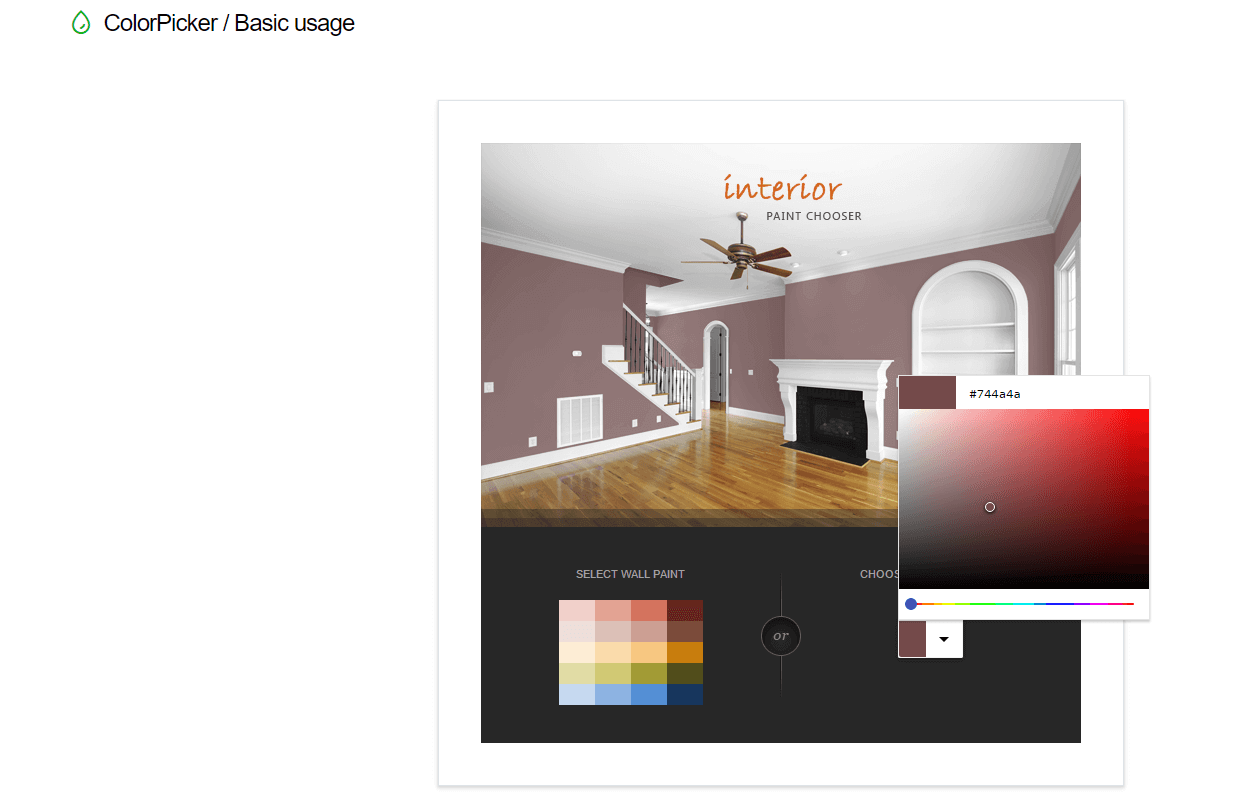
Custom Control’s Code
namespace AdvancedWebUiComponentsAutomation;

public class KendoColorPicker
{
    private readonly string _colorPickerSetColorExpression = "$('#{0}').data('kendoColorPicker').value('#{1}');";
    private readonly string _idLocator;
    private readonly IWebDriver _driver;
    public KendoColorPicker(IWebDriver driver, string idLocator)
    {
        _driver = driver;
        _idLocator = idLocator;
    }
    public void SetColor(string hexValue)
    {
        string scriptToBeExecuted = string.Format(_colorPickerSetColorExpression, _idLocator, hexValue);
        var javaScriptExecutor = (IJavaScriptExecutor)_driver;
        javaScriptExecutor.ExecuteScript(scriptToBeExecuted);
    }
}
Usage In Tests
public void SetColorKendoColorPickerCustomControl()
{
    _driver.Navigate().GoToUrl("http://demos.telerik.com/kendo-ui/colorpicker/index");
    var kendoColorPicker = new KendoColorPicker(_driver, "picker");
    kendoColorPicker.SetColor("ccc");
}