

Editorial Note: I originally wrote this post for the Test Huddle Blog. You can check out the original here, at their site.
This is the eighth article from the WebDriver Page Objects Series. The copy-paste development is popular among the QA folks in the test automation world. Here, I will show you a couple of techniques to increase the code reuse in your page objects through the usage of base pages objects.
Two years ago while we were working on the first version of the BELLATRIX test automation framework, I did this research so that we can find the most convenient way for creating page objects.
Test Case
We will once again automate the main SearchEngine page. All of the code is placed inside the SearchEngineMainPage class.
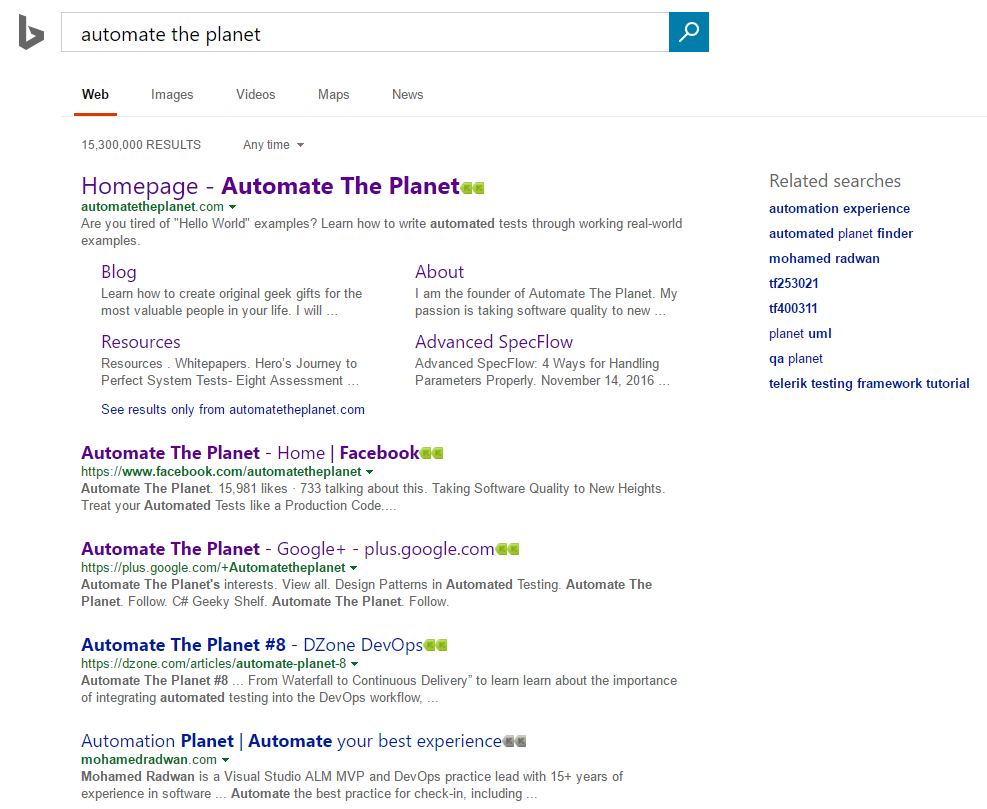
Initial Version without Base Page Objects
First, let us see how a regular page object (without base page) looks like and how we use it in tests. Then we are going to refactor it and make it use a base class.
SearchEngineMainPage.Actions NoBasePage Version
public partial class SearchEngineMainPage
{
    private readonly IWebDriver _driver;
    private readonly string _url = @"searchEngineUrl";
    public SearchEngineMainPage(IWebDriver browser) => _driver = browser;
    public void Navigate() => _driver.Navigate().GoToUrl(_url);
    public void Search(string textToType)
    {
        SearchBox.Clear();
        SearchBox.SendKeys(textToType);
        GoButton.Click();
    }
}
SearchEngineMainPage.Elements NoBasePage Version
public partial class SearchEngineMainPage
{
    public IWebElement SearchBox => _driver.FindElement(By.Id("sb_form_q"));
    public IWebElement GoButton => _driver.FindElement(By.Id("sb_form_go"));
    public IWebElement ResultsCountDiv => _driver.FindElement(By.Id("b_tween"));
}
SearchEngineMainPage.Asserts NoBasePage Version
public partial class SearchEngineMainPage
{
    public void AssertResultsCount(string expectedCount) => Assert.AreEqual(ResultsCountDiv.Text, expectedCount);
}
SearchEngineMainPage NoBasePage Version in Tests
public class SearchEngineTests
{
    private IWebDriver _driver;

    public void TestInitialize()
    {
        _driver = new FirefoxDriver();
        _driver.Manage().Timeouts().ImplicitWait = TimeSpan.FromSeconds(30);
    }

    public void TestCleanup()
    {
        _driver.Quit();
    }

    public void SearchTextInSearchEngine_First()
    {
        var searchEngineMainPage = new SearchEngineMainPage(_driver);
        searchEngineMainPage.Navigate();
        searchEngineMainPage.Search("Automate The Planet");
        searchEngineMainPage.AssertResultsCount("236,000 RESULTS");
    }
}
With this version, we need to hold a separate instance of WebDriver in each page object. If the page needs to have a navigate logic, we need to implement it over and over again. The previous conclusions are valid for another logic that we can repeatedly use in the pages.
For more detailed overview and usage of many more design patterns and best practices in automated testing, check my book “Design Patterns for High-Quality Automated Tests, C# Edition, High-Quality Tests Attributes, and Best Practices”. You can read part of three of the chapters:
Defining High-Quality Test Attributes for Automated Tests
Benchmarking for Assessing Automated Test Components Performance
Generic Repository Design Pattern- Test Data Preparation
Second Version Page Objects with Base Pages
SearchEngineMainPage.Actions Base Page Version
public partial class SearchEngineMainPage : AssertedNavigatablePage
{
    public SearchEngineMainPage(IWebDriver driver) : base(driver)
    {
    }
    public override string Url => @"searchEngineUrl";
    public void Search(string textToType)
    {
        SearchBox.Clear();
        SearchBox.SendKeys(textToType);
        GoButton.Click();
    }
}
SearchEngineMainPage Base Page Version in Tests
The only change compared to the previous version is that SearchEngineMainPage derive now from the AssertedNavigatablePage abstract base class.
This is the most basic base page object that we might have. It holds only a protected WebDriver property. We use this base page for pages that we do not need to navigate to them. E.g., middle pages in some wizard or something similar.
public abstract class Page
{
    protected Page(IWebDriver driver) => WrappedDriver = driver;
    protected IWebDriver WrappedDriver { get; }
}
NavigatablePage
If we need to expose a navigate logic, you can use the below base class. It adds to the child page a GoTo and Refresh methods and obligates the page to set its URL.
public abstract class NavigatablePage : Page
{
    protected NavigatablePage(IWebDriver driver) : base(driver)
    {
    }
    public abstract string Url { get; }
    public void GoTo() => WrappedDriver.Navigate().GoToUrl(Url);
    public void Refresh() => WrappedDriver.Navigate().Refresh();
}
AssertedNavigatablePage
public abstract class AssertedNavigatablePage : NavigatablePage
{
    protected AssertedNavigatablePage(IWebDriver driver) : base(driver)
    {
        // Resolve the IAssert through some of the popular IoC containers.
        ////Assert = ServiceContainer.Provider.Resolve<IAssert>();
    }
    protected IAssert Assert { get; }
}
We use this base class if we need to have the methods and properties from the previous two and on top of that be able to make assertions. The IAssert interface exposes methods that are not test framework agnostic.
The usage in tests stays entirely the same.
